
₨1,260.00
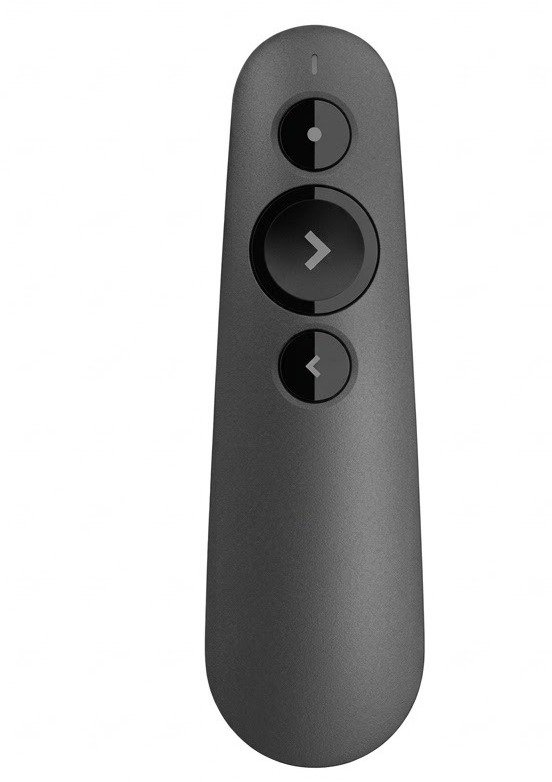
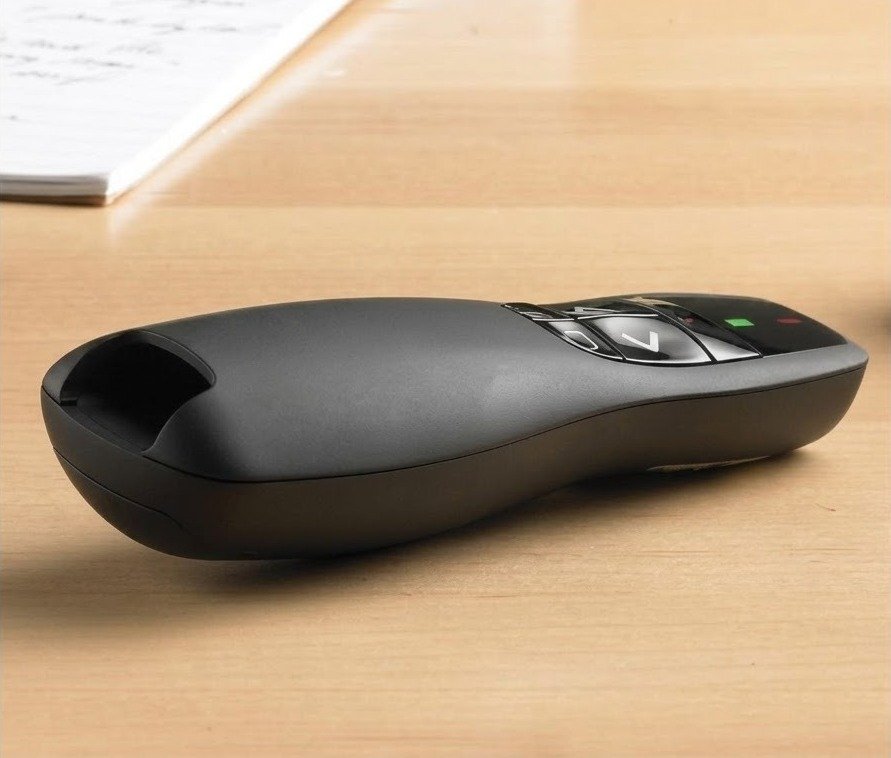
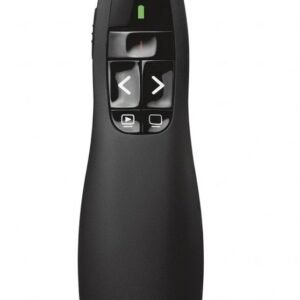
The R500 Laser Presentation Remote Clicker With Dual Connectivity Bluetooth or USB is designed for presenters who want simple slide control, reliable movement, and a professional presentation experience.
It helps you move through slides, point at important details with a red laser, and present without standing next to your laptop. This makes it useful for teachers, lecturers, trainers, managers, students, sales teams, business owners, and conference speakers.
The R500-style presenter gives two connection options. You can connect through the included USB receiver or use Bluetooth on compatible devices. This flexibility is useful for laptops, desktops, MacBooks, tablets, and presentation systems where either USB or Bluetooth may be preferred.
It is suitable for PowerPoint, Keynote, Google Slides, PDF slides, and other common presentation software. For best results, confirm your device, operating system, and app compatibility before buying.
If you’re looking for an alternative presenter, explore our collection to compare different models and choose the one that best suits your presentation needs.
Key Features
Product Specifications
| Feature | Details |
| Product Name | R500 Laser Presentation Remote Clicker |
| Common Model | Logitech R500 / R500s, confirm exact stock |
| Product Type | Wireless presenter / presentation clicker |
| Connectivity | Bluetooth or USB receiver |
| Laser Type | Red laser pointer |
| Wireless Range | Up to 20 meters |
| Battery | 1×AAA battery, confirm package contents |
| Battery Indicator | Yes, if confirmed by stock |
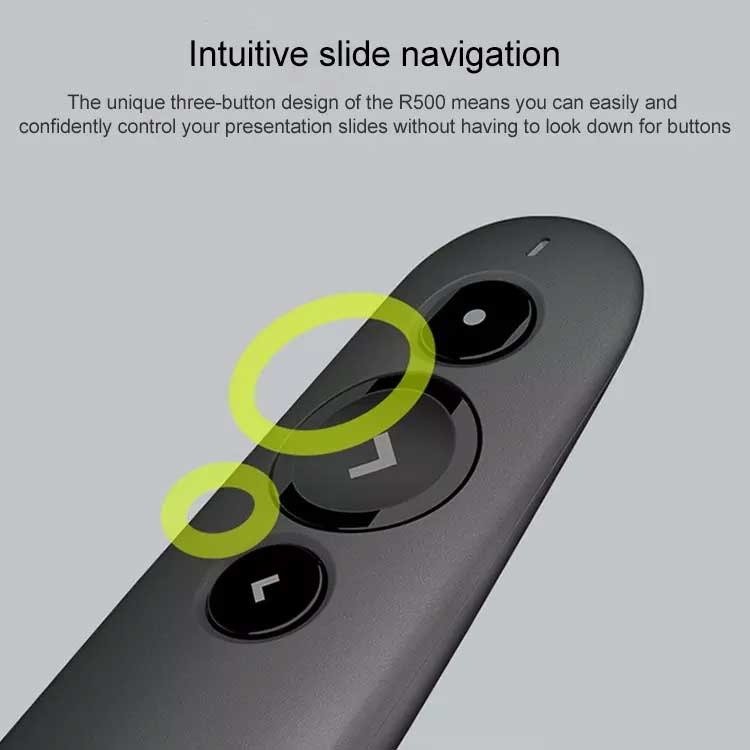
| Controls | Slide forward, slide back, laser pointer, customizable functions if supported |
| Best For | PowerPoint, Keynote, Google Slides, PDF presentations |
| Suitable Users | Teachers, trainers, students, managers, presenters |
| Local Market | Pakistan |
The R500 Laser Presentation Remote is used to control presentation slides wirelessly and highlight important points with a red laser pointer.
It is useful for PowerPoint presentations, Keynote slides, Google Slides, PDF presentations, classroom teaching, office meetings, seminars, sales pitches, training sessions, workshops, and university presentations.
Dual connectivity gives you two ways to connect the presenter. You can use the USB receiver for a quick plug-in connection or Bluetooth for compatible devices that support wireless pairing.
This is helpful when your laptop has limited USB ports, when you are using a MacBook or tablet, or when you need flexibility in different presentation rooms.
The R500 presenter is commonly listed with up to 20 meters wireless range. This is enough for most classrooms, offices, meeting rooms, training rooms, and conference spaces.
Actual range can change depending on room layout, wireless interference, battery condition, receiver position, and device compatibility.
Yes, the R500 is designed for common presentation software such as PowerPoint, Keynote, Google Slides, and PDF presentation tools.
Before buying, confirm your operating system and presentation app compatibility, especially if you plan to use Bluetooth mode or mobile devices.
Yes, the R500 is useful for teachers, lecturers, professors, and trainers because it lets them move around the room while controlling slides.
This helps the presenter face the audience, point to key details, and explain slides without returning to the laptop repeatedly.
Yes, this presenter is useful for business meetings, sales presentations, client pitches, staff training, product demos, boardroom sessions, and conference talks.
A wireless presenter gives a more professional experience than using a laptop keyboard or asking someone else to change slides.
The red laser pointer helps draw attention to important areas on a projector screen or presentation surface.
It is useful for pointing at charts, graphs, diagrams, product features, numbers, tables, classroom notes, and visual examples. Laser visibility may be weaker on some LCD or plasma screens, so confirm your display type if laser visibility matters.
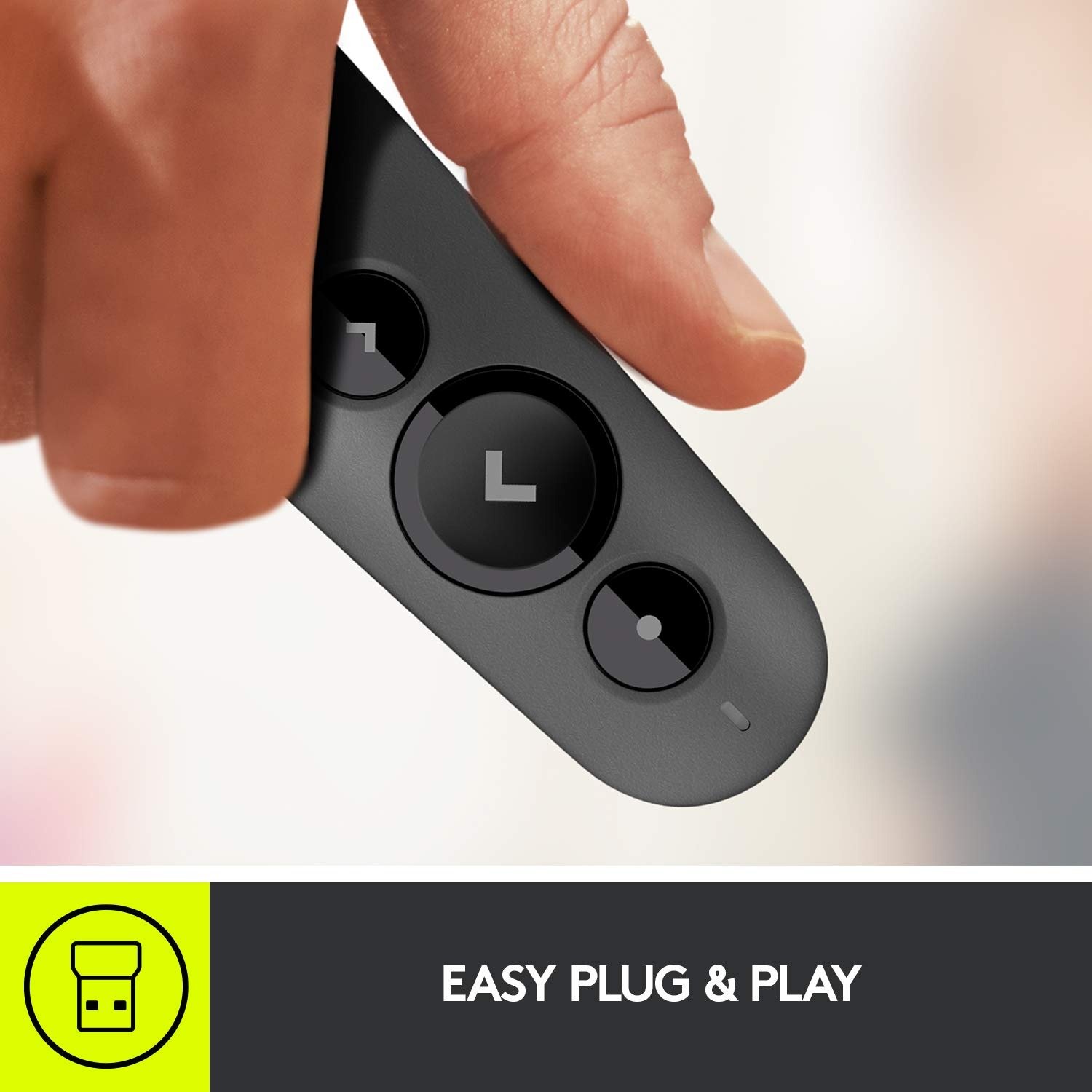
The R500 is commonly used through a USB receiver and can work without complicated setup on supported systems. Bluetooth connection may require pairing.
Some advanced customization features may require Logitech software or app support, depending on the version and operating system.
This product is suitable for teachers, professors, trainers, students, managers, sales teams, business owners, public speakers, office users, workshop hosts, and conference presenters.
It is best for anyone who wants easy slide navigation, wireless freedom, and dual Bluetooth/USB connection options.
Common Uses
Safety Note for Laser Pointer Use
Use the red laser pointer responsibly. Do not point it at anyone’s eyes, mirrors, reflective surfaces, vehicles, or aircraft.
Keep the presenter away from children when not in use.
GS Systemz provides computer, office, networking, and presentation accessories for customers in Pakistan. Buying locally helps you confirm stock, model, original branding, package contents, warranty, price, and delivery details before ordering.
For best results, confirm whether the stock is Logitech R500, Logitech R500s, or an R500-style presenter before purchase.
What is the R500 Laser Presentation Remote used for?
It is used to control slides wirelessly and highlight important points during PowerPoint, Keynote, Google Slides, PDF, classroom, office, and seminar presentations.
Does the R500 support Bluetooth and USB?
Yes, the R500 product family supports connection through Bluetooth or USB receiver, depending on device and operating system compatibility.
What is the wireless range of the R500 presenter?
The R500 is commonly listed with up to 20m wireless range. Actual range can vary with room layout, interference, and battery condition.
Does it work with Google Slides?
Yes, it is commonly used with Google Slides as well as PowerPoint, Keynote, and PDF presentation tools.
Is it good for teachers?
Yes, it is useful for teachers and trainers because it allows slide control while moving around the classroom or training room.
Does it include a USB receiver?
R500 presenters normally include a USB receiver, but confirm package contents before selling or buying.
Does it need software?
Basic slide control can work on supported systems, while customization and advanced functions may require Logitech software depending on model and OS.
Is the laser pointer safe?
Use it responsibly. Do not point the laser at eyes, reflective surfaces, vehicles, or aircraft.
Reviews
There are no reviews yet.