
₨180.00
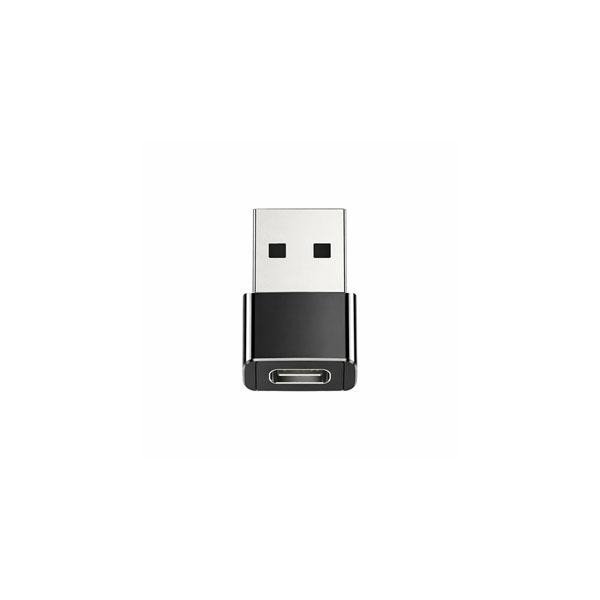
The USB to Type-C Male Converter is a compact adapter designed to connect compatible standard USB accessories to smartphones, tablets, laptops and other devices equipped with a USB Type-C port. Its small plug-in design makes it useful for connecting USB flash drives, keyboards, mice, card readers and other supported USB devices without carrying a large USB hub.
For users in Pakistan who have older USB accessories but newer Type-C devices, this converter provides a simple way to bridge the two connector types. It is especially useful for file transfer, peripheral connectivity and compatible OTG applications.
The exact USB standard, charging current, transfer speed and construction material can vary between converter versions, so these specifications should be confirmed from the actual GS Systemz stock.
A USB to Type-C Male Converter is a small connector adapter that allows a standard USB accessory to connect to a device with a USB-C port.
The typical connection is:
USB accessory → USB converter → Type-C device
For example:
USB flash drive → Converter → USB-C smartphone
This is useful because many modern phones and laptops have USB-C ports while millions of existing accessories still use traditional USB connections.
Instead of replacing your existing USB accessories, you can connect supported devices through a compact converter.
The Type-C male part is the small USB-C plug that inserts directly into the USB-C port of a compatible phone, tablet or laptop.
A male connector is the part that physically plugs into a device.
The opposite side of this converter is intended to accept a compatible standard USB connection.
The setup typically looks like:
USB device → USB side of converter → Type-C male → Smartphone or laptop
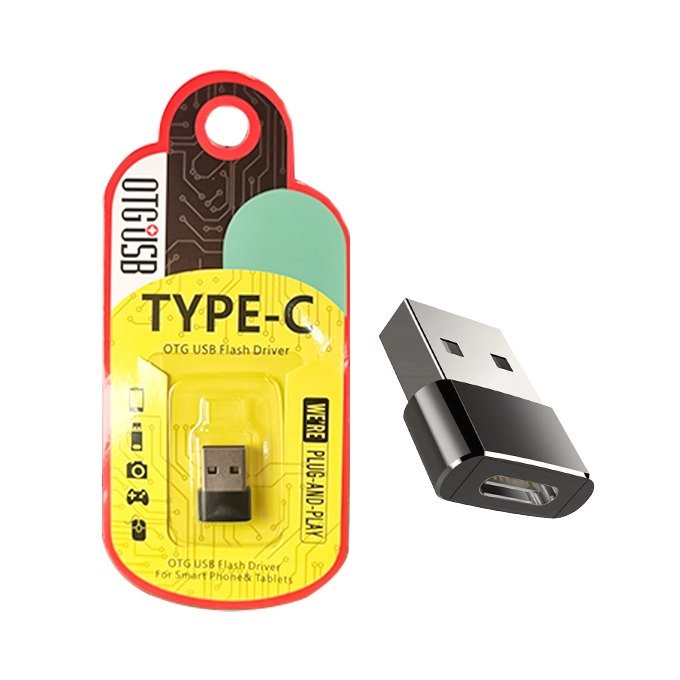
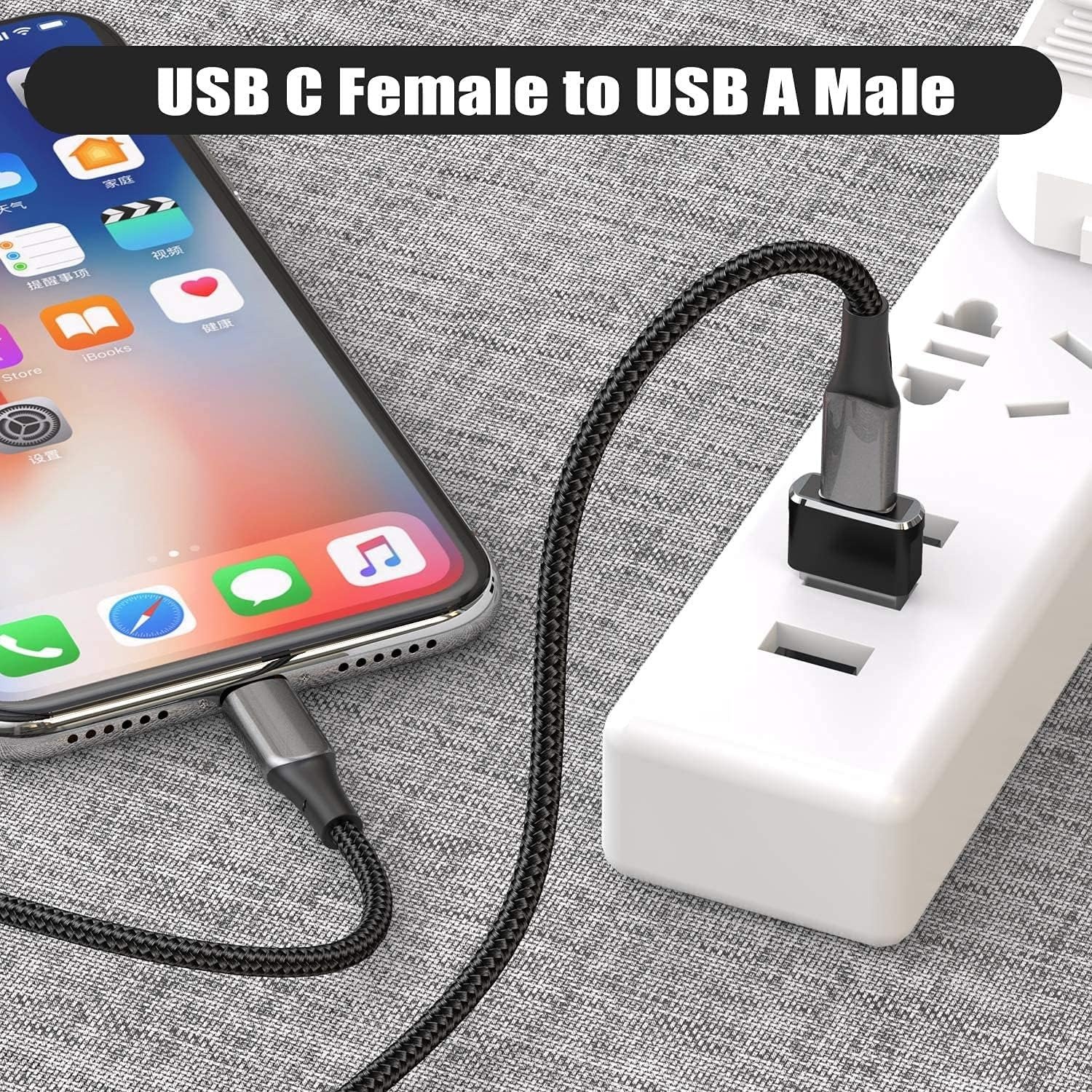
Before ordering, check the photographs of the actual GS Systemz product to make sure its USB connector configuration matches the accessory you want to connect.
| Specification | Details |
|---|---|
| Product Type | USB to Type-C Converter |
| Device Connector | USB Type-C Male |
| Other Connector | Standard USB Connection |
| Main Function | USB Connectivity |
| OTG Use | On Compatible Devices |
| Data Transfer | Where Supported |
| Installation | Plug and Play |
| Suitable Devices | Phones, Tablets, Laptops |
| Design | Compact Portable Converter |
| Usage | Home, Office and Travel |
Because this is a generic converter rather than a confirmed manufacturer model, GS Systemz should use the actual package or product markings for USB version, transfer speed, charging support and other technical specifications.
The converter is designed to make standard USB accessories usable with compatible USB-C devices.
Common uses include connecting:
It is particularly useful for smartphones and thin laptops that have USB-C but lack a full-size traditional USB port.
It may support USB OTG functionality when both the converter and connected host device support it.
OTG stands for USB On-The-Go.
OTG allows a compatible smartphone or tablet to behave as a USB host, meaning it can recognize connected accessories such as flash drives, keyboards and mice.
A typical OTG setup is:
USB flash drive → USB to Type-C converter → Android phone
However, the converter cannot add OTG support to a phone that does not already support USB OTG.
Always check your phone specifications before purchasing specifically for OTG use.
Yes, this is one of the most common uses of a USB to Type-C converter when the phone supports OTG.
To connect a USB flash drive:
This can be useful for transferring:
Compatibility can depend on the phone and file system used by the flash drive.
Yes, when the phone supports OTG and recognizes the connected USB storage device.
You may be able to transfer files in both directions:
USB drive → Phone
or
Phone → USB drive
This is useful when you want to move large files without using:
Transfer speed depends on the USB version of the adapter, flash drive and connected phone.
Yes, compatible USB keyboards can often work with USB-C phones and tablets through an OTG converter.
This can be useful for:
The phone or tablet must support USB host functionality.
Yes, a compatible USB mouse can potentially be connected through the converter when the phone supports OTG.
After connection, supported Android devices may display an on-screen pointer that can be controlled using the mouse.
This can be useful when:
Compatibility varies by phone and operating system.
Yes, compatible USB card readers can potentially be used through a Type-C converter.
This can be especially useful for:
For example, you may be able to connect a USB SD card reader and transfer photos directly to a compatible USB-C phone.
The connected device must support the card reader and storage format.
Many adapters of this type are intended for data connectivity, but the exact transfer capability depends on the converter version.
If data transfer is important, confirm the specification on the GS Systemz product before purchasing.
Important factors include:
The slowest part of the connection determines the overall data-transfer performance.
This depends on the exact converter being sold.
USB adapters with similar external designs may support different USB standards.
A USB 2.0 converter and USB 3.x converter may look almost identical while providing different maximum data-transfer capabilities.
For this reason, do not assume USB 3.0 support solely from the appearance of the adapter.
GS Systemz should publish the USB version printed on the actual product or packaging.
Some converters can carry charging power in compatible setups, while others are designed primarily for OTG and data connectivity.
Charging support should therefore be verified for this particular GS Systemz product.
Even when charging is supported, a small converter should not automatically be described as a fast-charging or USB Power Delivery adapter.
Charging performance depends on:
The converter cannot create additional charging power beyond what the original source provides.
No.
A USB converter changes connector compatibility; it does not increase the wattage of the original charger.
For example, connecting a basic USB charger through an adapter will not transform it into a high-power USB-C PD charger.
For maximum fast charging, use a charger and cable specifically designed for the charging technology required by your phone.
It can work with compatible Android phones that have:
Potential compatibility includes selected USB-C devices from brands such as:
Support varies by individual model.
Always check the phone specifications rather than assuming every USB-C Android phone supports every USB accessory.
It may work with compatible Samsung Galaxy phones and tablets equipped with USB-C and USB OTG support.
Possible uses include:
Compatibility depends on the specific Samsung model and connected accessory.
Yes, many compatible Xiaomi, Redmi and POCO phones support USB OTG through their Type-C port.
Some devices may include an OTG option in their settings.
If the connected USB accessory is not detected, check:
Settings → Additional Settings → OTG
The exact menu location can differ between phone models and software versions.
A USB-C converter may physically connect to newer USB-C iPhones, but accessory compatibility depends on the iPhone and connected USB device.
USB-C iPhones support a variety of USB accessories, but not every generic adapter or peripheral is guaranteed to work.
For an iPhone, check:
If purchasing specifically for an iPhone, testing with the actual GS Systemz converter is recommended.
Yes, it may work with compatible USB-C tablets that support USB host functionality.
Possible uses include:
This can be useful for students and office users who use tablets for productivity.
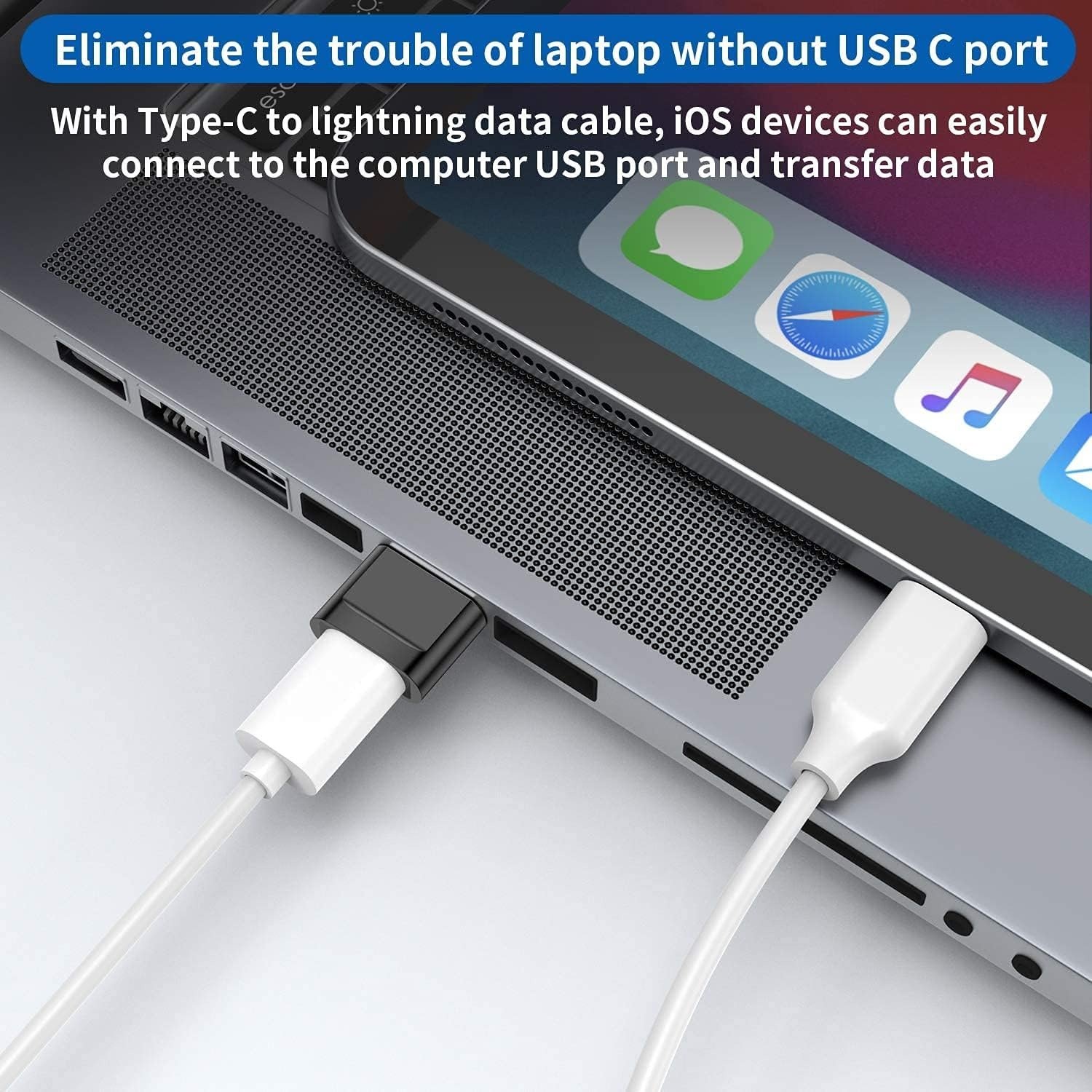
Yes, a Type-C male adapter can be useful with compatible USB-C laptops that lack enough traditional USB-A ports.
You may be able to connect:
It provides a compact alternative to carrying a full-size USB hub when only one connection is required.
No.
A USB to Type-C converter is normally a single-connection adapter.
A USB-C hub usually provides several ports, such as:
Choose the simple converter when you only need one USB accessory.
Choose a hub when you need several connections at the same time.
Normally, basic USB adapters do not require separate software.
The converter itself is generally plug and play.
However, the connected accessory may require:
A basic flash drive, mouse or keyboard is usually simpler to connect than specialized USB equipment.
Some compatible USB game controllers may work through an OTG converter.
However, controller support depends on:
Even when the controller is detected by the phone, an individual game may not support external controllers.
Potentially, but external hard drives can require more power than a smartphone USB-C port can supply.
Small flash drives are generally easier to use than high-power external storage.
If the drive does not work through the converter, it may require:
For important storage use, verify compatibility before relying on the converter.
If your phone does not recognize the connected USB accessory, check the following.
Confirm that the phone supports USB OTG.
Some Android phones require OTG to be enabled manually.
Disconnect everything and firmly reconnect the converter.
Test the flash drive, keyboard or mouse with another computer.
Dust or debris can prevent a proper USB-C connection.
Some cases prevent the Type-C male connector from inserting completely.
High-power USB accessories may require more power than the phone can provide.
A flash drive formatted in an unsupported file system may not appear correctly.
USB-C describes the physical connector, but different phones can support different USB functions.
For example, two phones may both have USB-C ports, while only one supports a particular USB storage device or OTG feature.
Compatibility depends on:
This is why connector compatibility and functional compatibility should be considered separately.
Yes.
The converter’s small size makes it convenient to carry in:
It is useful to keep one with a laptop or smartphone when you frequently work with standard USB devices.
This converter is useful for:
It is especially practical if your new device only has USB-C but you still use older USB accessories.
Before ordering, confirm:
Checking the connector direction is particularly important because USB adapters that look similar can perform completely different conversions.
A Type-C male converter has a USB-C plug that inserts into a USB-C device.
A Type-C female converter has a USB-C socket that accepts a USB-C cable.
For this product, the important term is:
Type-C Male
That means the USB-C end plugs directly into the phone, tablet or laptop.
Make sure this is the connector direction you need before ordering.
The USB to Type-C Male Converter provides a simple way to connect compatible standard USB accessories with modern Type-C devices.
Its compact format is useful for:
It eliminates the need to carry a large hub when you only need a simple USB conversion.
Before ordering, verify the exact connector configuration, USB standard and required function with the GS Systemz product photographs and specifications.
Buy the USB to Type-C Male Converter from GS Systemz Pakistan for convenient USB connectivity with compatible Type-C devices.
It is a compact adapter with a Type-C male connector designed to connect compatible standard USB accessories to a USB-C device.
Type-C male means the USB-C end is a plug that inserts directly into a USB-C port on a compatible phone, tablet or laptop.
It can support OTG applications when the converter and connected phone or tablet support USB OTG.
Yes, if your USB-C phone supports OTG and recognizes the flash drive.
Data transfer may be supported depending on the exact converter version and connected devices. Check the GS Systemz product specifications if this feature is essential.
Yes, compatible USB keyboards and mice may work with phones, tablets and computers that support the required USB host functions.
It may work with compatible USB-C Android phones from Samsung, Xiaomi, Redmi, POCO and other brands, provided the required OTG functionality is supported.
Yes. It can provide a convenient way to connect a compatible traditional USB accessory to a USB-C laptop.
Charging capability depends on the specific converter. Do not assume fast charging or USB PD support unless confirmed for the GS Systemz version.
That depends on the exact product version. Check the actual GS Systemz product or packaging before purchasing if transfer speed matters.
Normally, the converter itself does not require an app. The connected accessory and host device must still support the required USB function.
You can purchase the USB to Type-C Male Converter from GS Systemz Pakistan, subject to current price and stock availability.
Reviews
There are no reviews yet.